
POS Systems for Retail Stores and Restaurants in India & GCC
POS billing, inventory and payments for retail stores and restaurants across India and the GCC, installed and supported.
WHAT WE PROVIDE
What we provide
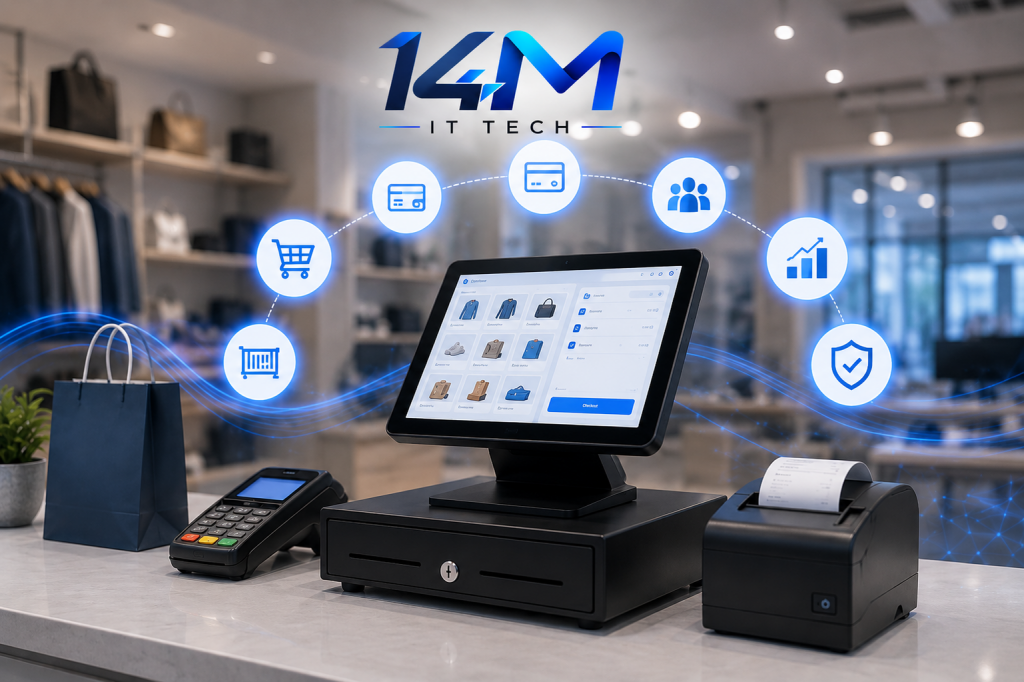
Long billing queues, stock that never matches, and no idea of today’s sales until the shop closes — a proper POS system fixes all three. 14M IT TECH supplies, installs and supports POS systems for retail stores, supermarkets, showrooms, restaurants and cafés across India and the GCC, with the hardware, network and training to make billing fast from day one.
- POS installation and configuration — software, terminals, printers and scanners set up and tested.
- Billing and invoicing — GST-ready invoices, discounts, returns and credit notes.
- Inventory and stock management — stock levels, low-stock alerts and transfers between outlets.
- Barcode and product management — barcode labels and product master setup.
- Payment integration — card machines and UPI QR linked to bills.
- Sales reports and analytics — daily summaries for owners.
- POS support and maintenance — help when billing stops.
What is a POS system?
A POS (point of sale) system is the software and hardware used to bill customers and record sales. A modern POS also tracks inventory, accepts card and UPI payments, prints GST-compliant invoices and shows sales reports by day, product and staff member. In restaurants it also sends orders to the kitchen (KOT) and manages tables.
Who we set up POS for
Retail stores and supermarkets
Fast barcode billing and stock control.
Showrooms
Product catalogues, discounts and returns.
Restaurants and cafés
Table, takeaway and delivery orders with KOT.
New outlets
POS, CCTV and Wi-Fi ready before opening day.
POS for retail and for restaurants
| Need | Retail stores | Restaurants and cafés |
|---|---|---|
| Billing | Barcode scanning, quick checkout | Table, takeaway and delivery orders |
| Inventory | Item, size, batch and expiry tracking | Recipe and raw-material stock |
| Kitchen | — | KOT printing or kitchen display |
| Payments | Card, UPI, split payments | Card, UPI, split bills |
| Reports | Fast/slow movers, margin | Best-selling dishes, wastage, staff sales |
How we set up your POS
Requirement call
Business type, outlets, counters and item count.
Demo
The POS shown with your sample items.
Proposal
Software, hardware, installation and support cost.
Setup
Product masters, tax settings, users and printers configured.
Training
Cashiers and managers trained on billing, returns and reports.
Go-live support
Help during your first days of billing.
A few honest tips before you buy
Your billing counter is where customers wait and money changes hands. A few things make a big difference:
Test with your own items
A demo with your real products or menu shows problems a sales video never will.
Check offline billing
The internet will drop on your busiest day. Make sure billing keeps working.
Get item masters right on day one
Clean barcodes, names and tax rates save hours of corrections later.
One login per cashier
Separate logins make sales and cash reports actually mean something.
Plan the counter layout
Printer, scanner, card machine and power points all need a proper place.
What affects POS cost?
Cost depends on the software licence (one-time or subscription), the number of billing counters and outlets, hardware (terminal, printer, scanner, cash drawer, KOT printer), payment integration, data setup and the support plan.
What you get at handover
- POS set up with your items, taxes and users
- Printers, scanners and cash drawer tested
- Staff trained on billing, returns and day-end closing
- Owner reports set up
- A support contact for billing issues
Before you call us, keep this handy
- Retail or restaurant, and the type of business
- Number of counters and outlets
- Approximate number of items or menu items
- Hardware you already have
- Opening date, if it’s a new outlet
Why choose 14M IT TECH for POS?
POS, CCTV and Wi-Fi from one team
, ready together before opening day.
Billing-counter cameras
planned alongside your POS.
Staff training
for cashiers and managers.
Support across India & GCC
Related services
CCTV Surveillance
Cameras over billing counters and cash areas.
Network & Wi-Fi
Reliable networks for billing, card machines and guest Wi-Fi.
ERP Solutions
Connect POS sales to accounts and central inventory.
POS FAQs
Which POS is best for a restaurant?
The best restaurant POS handles table and takeaway orders, KOT, split bills, online-order integration and recipe-level inventory, and is easy for staff to learn. The right choice depends on the number of outlets, menu size and budget; a demo with your own menu is the best test.
Cloud POS or desktop POS?
A cloud POS stores data online, so owners can see sales from anywhere and outlets sync automatically, but it relies on internet (most have offline modes). A desktop POS runs locally and keeps working without internet but needs local backups. Multi-outlet businesses usually prefer cloud.
Does the POS generate GST-compliant bills?
Yes. The POS is configured with your GSTIN, HSN/SAC codes and tax rates so invoices meet GST requirements. Businesses above the government’s e-invoicing turnover threshold also need e-invoice integration.
Can you set up POS for a new outlet before opening?
Yes. We can install POS, CCTV and Wi-Fi together so your outlet is ready on opening day.
See the POS with your own products
Book a demo and we’ll show billing, stock and reports for a business like yours.