
ERP Implementation and Support for Small and Mid-Sized Businesses
ERP systems for businesses across India and the GCC, configured around how you work, with data migration, training and support.
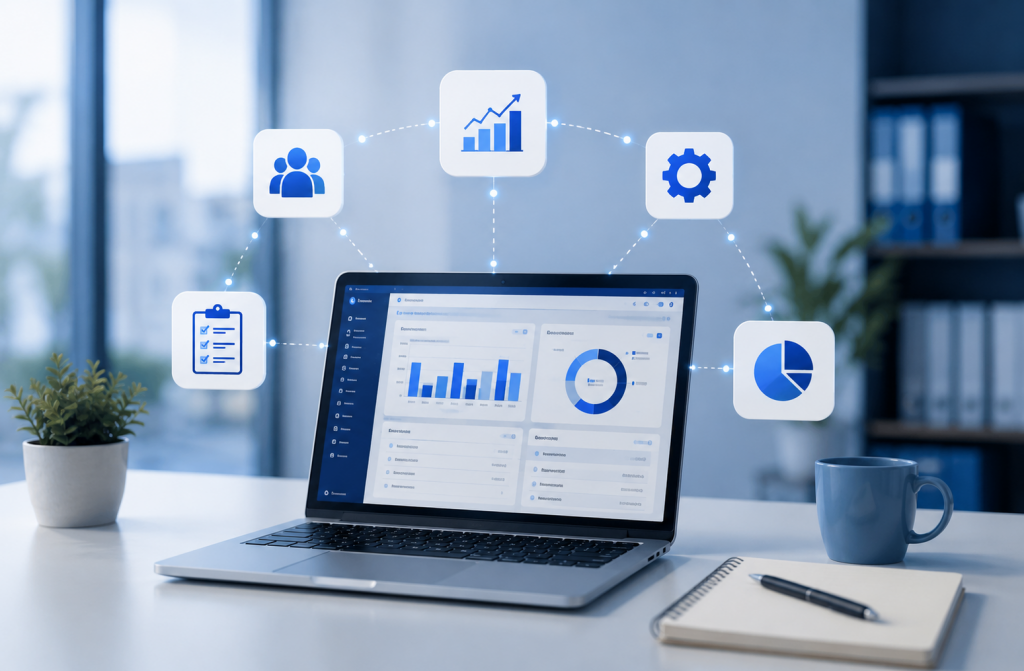
WHAT WE PROVIDE
ERP modules we implement
When sales, purchase, stock and accounts sit in separate spreadsheets, nobody has the full picture and month-end takes days. 14M IT TECH implements and supports ERP systems for businesses across India and the GCC, configured around how you actually work, with data migration, staff training and ongoing support.
- Finance and accounting — ledgers, receivables, payables, GST-ready invoicing and reports.
- Inventory and warehouse management — stock levels, batches, transfers and reorder alerts.
- Sales and purchase management — quotations, orders, delivery and vendor management.
- Manufacturing and production — bills of materials, work orders and production costing.
- HR and payroll — employee records, attendance and salary processing.
- CRM — leads, customers and follow-ups.
- Reporting and analytics — dashboards for owners and managers.
- Integration and data migration — moving data from Excel or older software, and connecting POS or e-commerce.
- ERP support and maintenance — user help, changes and upgrades after go-live.
What is ERP?
ERP (enterprise resource planning) software brings a company’s core processes — accounting, inventory, purchasing, sales, production, HR and reporting — into one system with a shared database. Everyone works from the same up-to-date information, which reduces duplicate entry, stock mismatches and reporting delays.
Who ERP is for
Traders and distributors
Stock, purchase and sales across warehouses and branches.
Manufacturers
Production planning, bills of materials and costing.
Multi-branch businesses
One view of every location.
Growing SMEs
Moving beyond spreadsheets and basic accounting software.
Signs your business needs an ERP
- Stock in the system rarely matches stock on the shelf.
- You re-enter the same order in sales, billing and accounts.
- Reports need someone to combine several spreadsheets.
- You’ve added a branch, warehouse or production line and lost visibility.
- GST, e-invoicing or audit requirements take too much manual work.
Tally vs ERP: which do you need?
| Accounting software (e.g. Tally) | ERP | |
|---|---|---|
| Main purpose | Accounting, GST and basic inventory | Whole business: finance, stock, sales, purchase, production, HR |
| Best for | Small traders, single location | Growing, multi-department or multi-location businesses |
| Users | Mostly the accounts team | Several departments |
| Production and costing | Limited | Built-in modules |
| Reporting | Financial reports | Cross-department dashboards |
Many businesses start with accounting software and move to ERP as they add branches, production or larger teams.
Our ERP implementation process
Requirement study
We map your current processes and pain points.
Solution design
Modules, workflows, user roles and reports agreed in writing.
Configuration
Forms, approvals and reports set up for your business.
Data migration
Masters and opening balances moved and verified.
Training
Role-based training for each team.
Go-live and support
Stabilisation support, then an annual support plan.
A few honest tips before you buy
ERP can transform a business, or become expensive software nobody uses. The difference usually comes down to these:
Fix the process first
ERP makes a messy process faster, not cleaner. Agree how things should work before configuring.
Start small
Go live with the modules you need now, such as accounts and inventory. Add the rest once people are comfortable.
Clean your masters
Duplicate items, customers and vendors cause most migration headaches. Tidy them before moving.
Involve daily users
The people entering data every day know where the real problems are. Bring them in early.
Budget for training
Adoption is where most ERP projects struggle. Training is not optional.
What affects ERP implementation cost?
ERP cost depends on the software licence model (per user, subscription or one-time), the number of users and modules, the amount of customisation, data migration effort, training, and hosting (cloud or on your own server).
What you get at handover
- Modules and user roles configured for your business
- Masters and opening balances migrated and checked with your accounts team
- Role-wise training for each team
- The reports you asked for, set up
- A support contact after go-live
Before you call us, keep this handy
- Number of users and departments
- Software you use today (Tally, Excel, other)
- Branches or warehouses
- Reports you can’t live without
- GST and e-invoicing requirements
Why choose 14M IT TECH for ERP?
Process first, software second
we map how you work before configuring anything.
Honest advice
on whether you need ERP or a simpler tool.
Hardware, network and server support from the same team
, so your ERP runs reliably.
Training for every role
so staff actually use the system.
Related services
POS Solutions
Connect store billing to ERP inventory and accounts.
Server Support
Secure hosting and backup for on-premise ERP.
IT Support & AMC
Keep users’ systems running.
ERP FAQs
How long does ERP implementation take?
A small business with a few modules can go live in a few weeks; multi-location or manufacturing implementations commonly take a few months. The timeline depends on modules, customisation, data quality and how quickly decisions are made.
Is ERP suitable for small businesses?
Yes. Modern cloud and modular ERPs let small businesses start with the modules they need, such as accounting and inventory, and add more as they grow.
Cloud ERP or on-premise ERP?
Cloud ERP needs no server and can be used from anywhere, with a recurring subscription. On-premise ERP runs on your own server, which gives more control but needs hardware, backups and IT support. We help you choose based on budget, internet reliability and data policies.
Do you provide support after go-live?
Yes. We offer annual support for user queries, report changes, updates and troubleshooting.
Find out if ERP is right for you
Book a requirements call. We’ll map your current process and tell you honestly whether you need ERP or a simpler tool.